Built for people running AI agents

Step away.
Keep working.

Lock your Mac the moment you leave — without stopping the AI tasks, renders, and downloads you left running. A real lock, not a screen cover.

macOS 12+ · Apple Silicon & Intel · No accessibility permissions

Lock&Run mode picker

Locking your screen shouldn't kill your work

Normally, once your Mac locks it soon falls asleep — quietly pausing long agents, builds, and downloads. Lock&Run locks instantly while blocking sleep, so your background work keeps going.

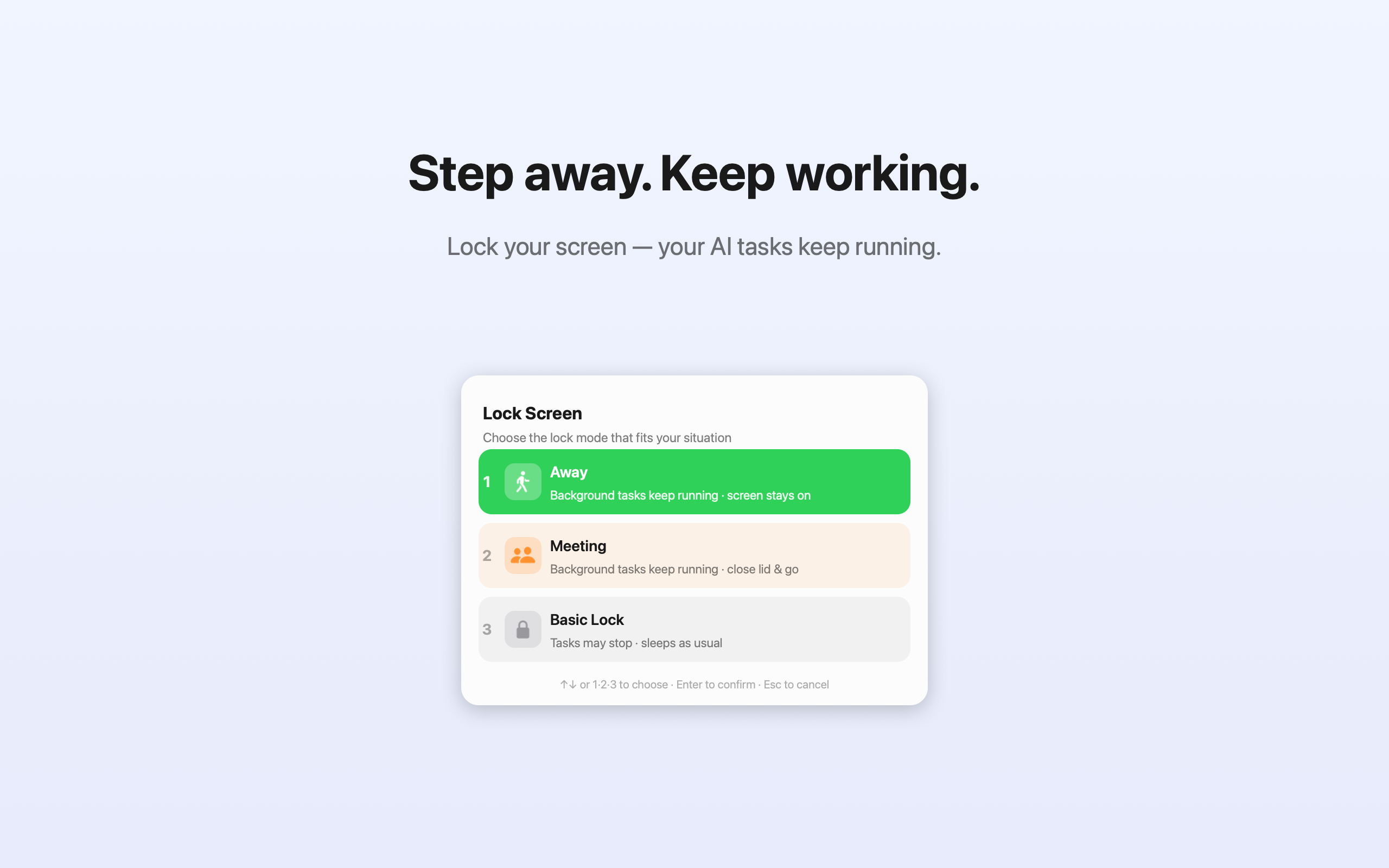
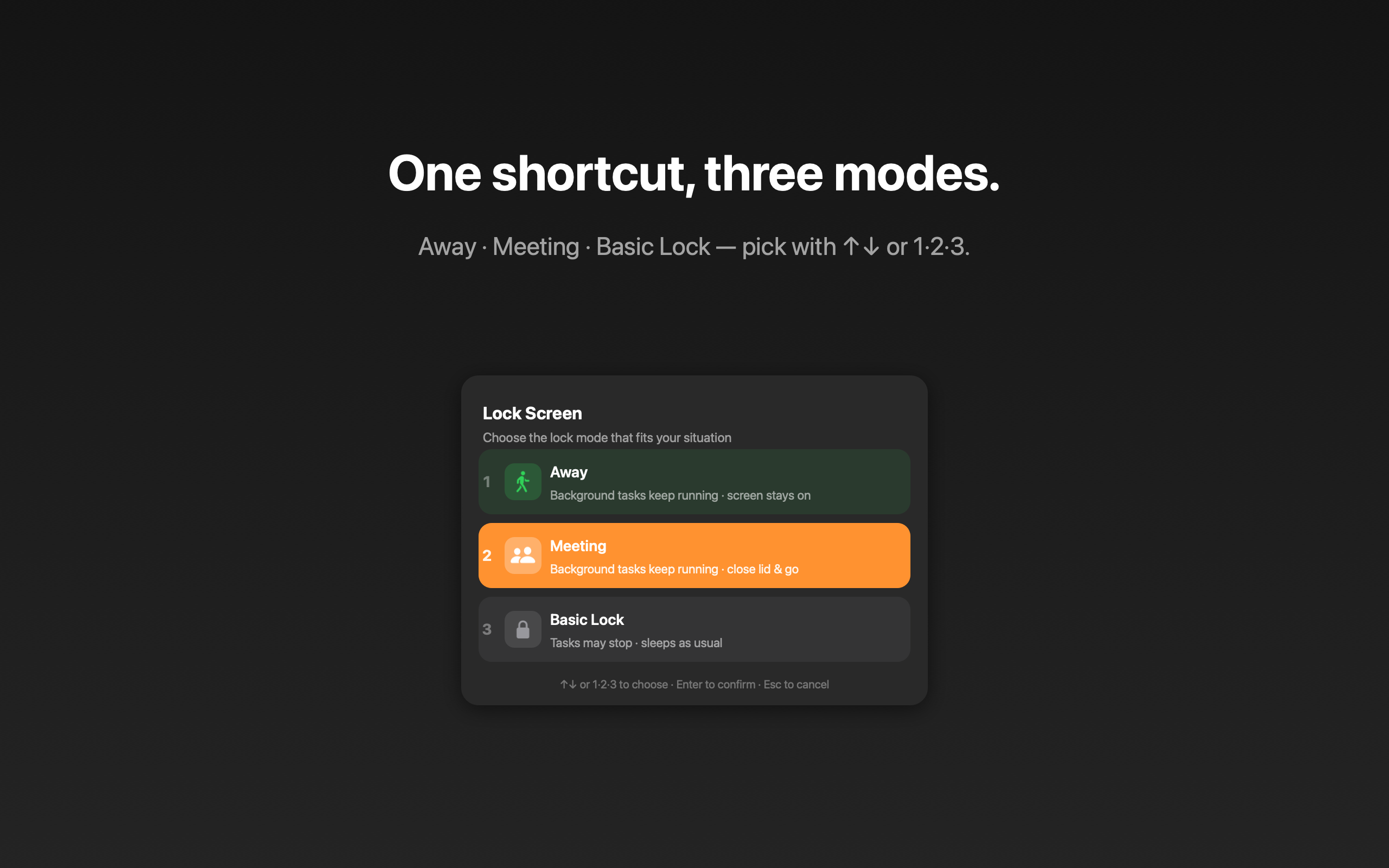
One shortcut. Three modes.

Press ⇧⌘L, then pick with ↑↓ or the number keys 1·2·3.

🚶

Away

Stepping out with the lid open. Screen stays on and background tasks keep running.

👥

Meeting PRO

Close the lid and walk off. Tasks keep running even with the lid shut. Unlocked with Touch ID.

🔒

Basic Lock

Just lock like usual and let your Mac sleep normally. For when nothing is running.

Why Lock&Run

🔐

A real lock

Uses the actual macOS lock — password required to return. Not a fake overlay you can click past.

Instant & keyboard-first

One global shortcut opens the picker. Arrows or 1·2·3 to choose. Done in under a second.

🔋

Screen stays on

Away mode keeps the display awake so nothing goes dark — and nothing goes to sleep.

👆

Touch ID for Meeting

Enable lid-closed mode with your fingerprint. Restores automatically when you log back in.

🌍

7 languages

English, 한국어, 日本語, 简体中文, Español, Deutsch, Français — follows your system language.

🕵️

Private by design

No accounts, no tracking, no network. Everything happens locally on your Mac.

Lock&Run dark mode

Simple pricing

Free to use. Unlock Meeting mode once — yours forever.

Free

$0
  • Away mode — keep tasks running, screen on
  • Basic Lock — normal lock
  • Menu-bar status & global shortcut
  • All 7 languages
Download Free

Pro

$4.99 one-time
  • Everything in Free
  • Meeting mode — keep running with the lid closed
  • Touch ID activation
  • Future Pro features included
Buy Pro — $4.99

Taxes handled at checkout. Your license key is emailed instantly after purchase.

FAQ

Does my work really keep running while locked?

Yes. Lock&Run holds a power assertion so your Mac won't idle-sleep. In Away mode the display stays on; in Meeting mode it keeps running even with the lid closed.

How is this different from Amphetamine or Caffeine?

Those keep your Mac awake but don't lock it. Lock&Run does both — and it uses a real macOS lock (password required), not a screen overlay.

Is it safe to close the lid?

In Meeting mode, yes — the Mac stays awake. Just keep it somewhere ventilated (a desk, not a sealed bag) so it doesn't trap heat.

How do I activate Pro?

After purchase you get a license key by email. Open Lock&Run → “Enter License Key…” → paste it. That's it.